Everything
your guide needs.
Your brand guide,
not your agency's.
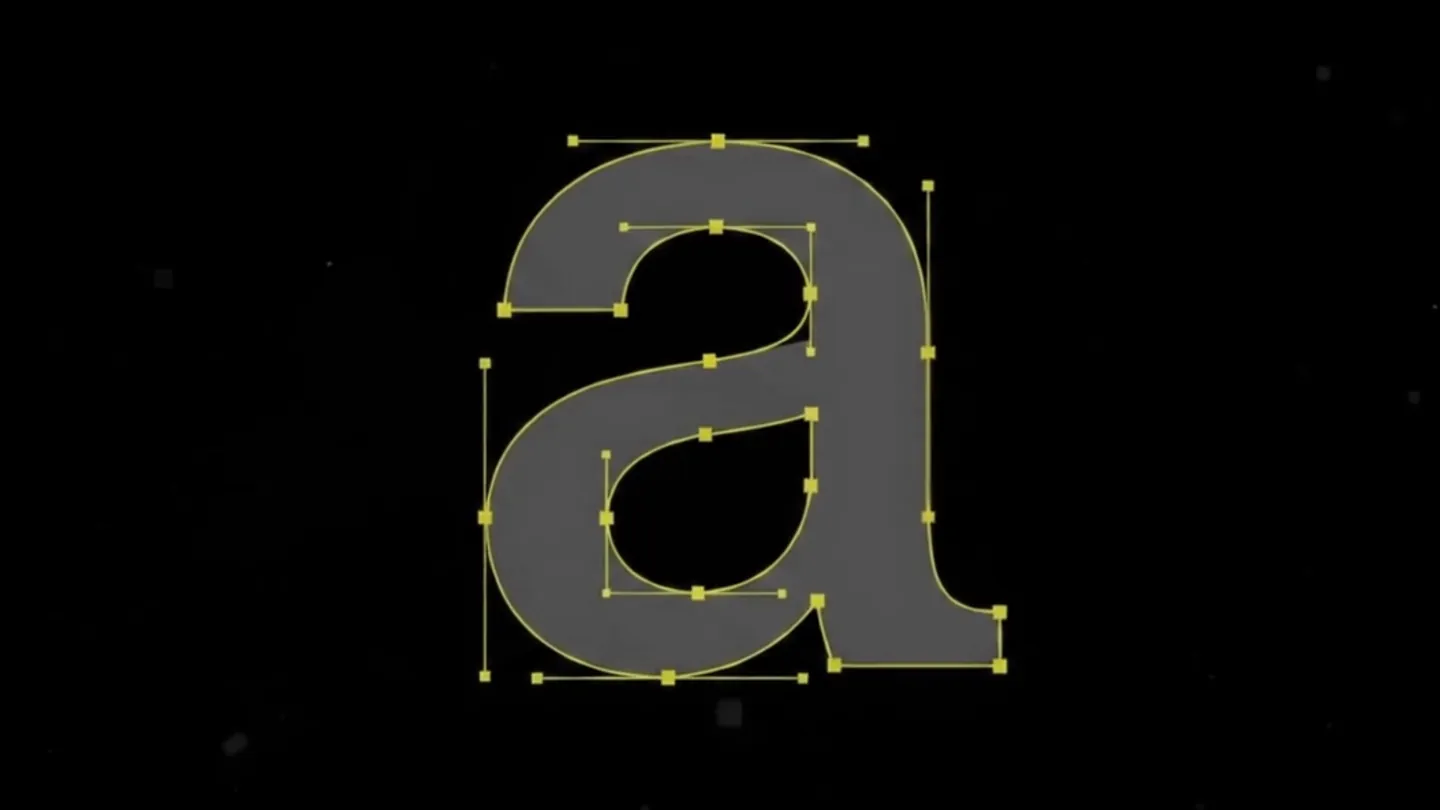
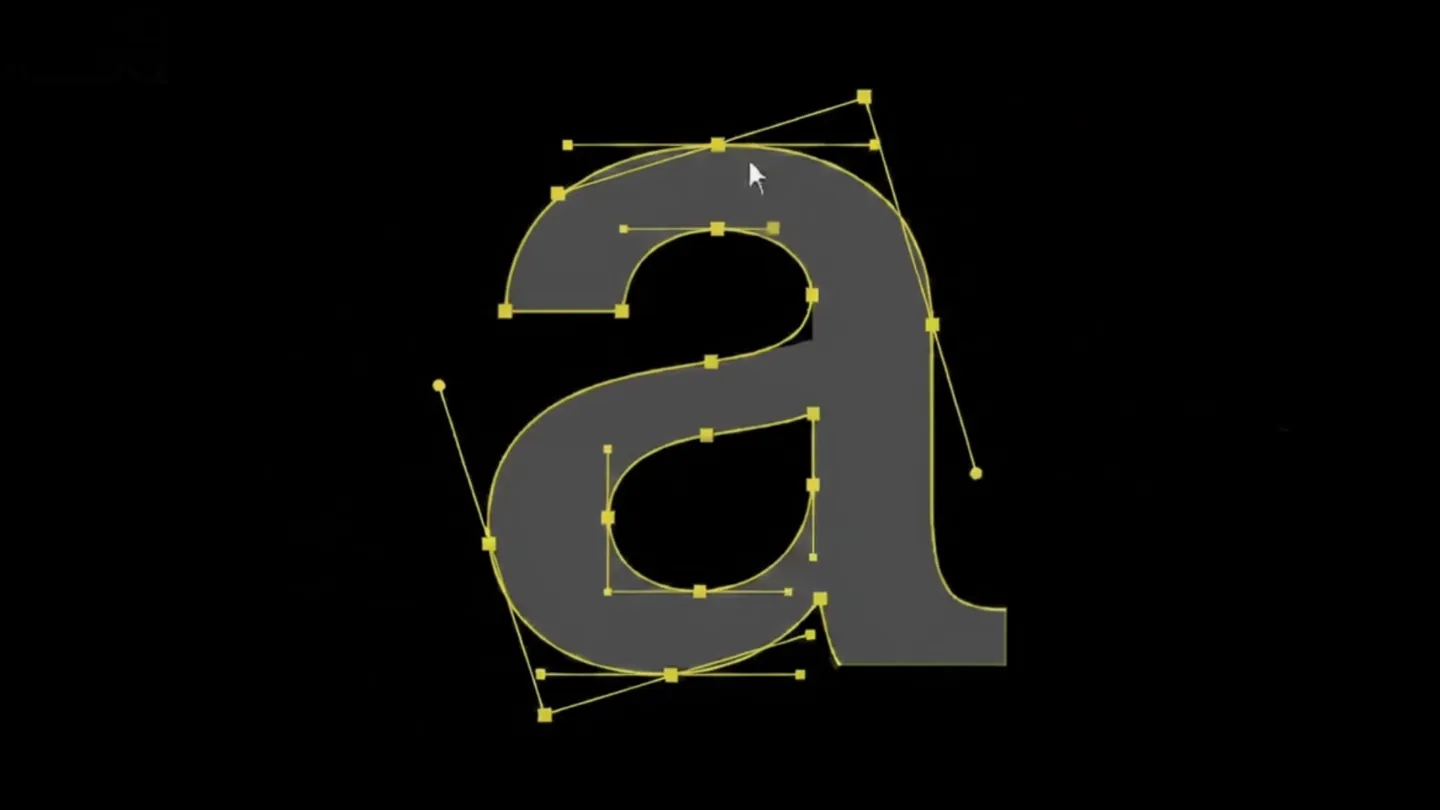
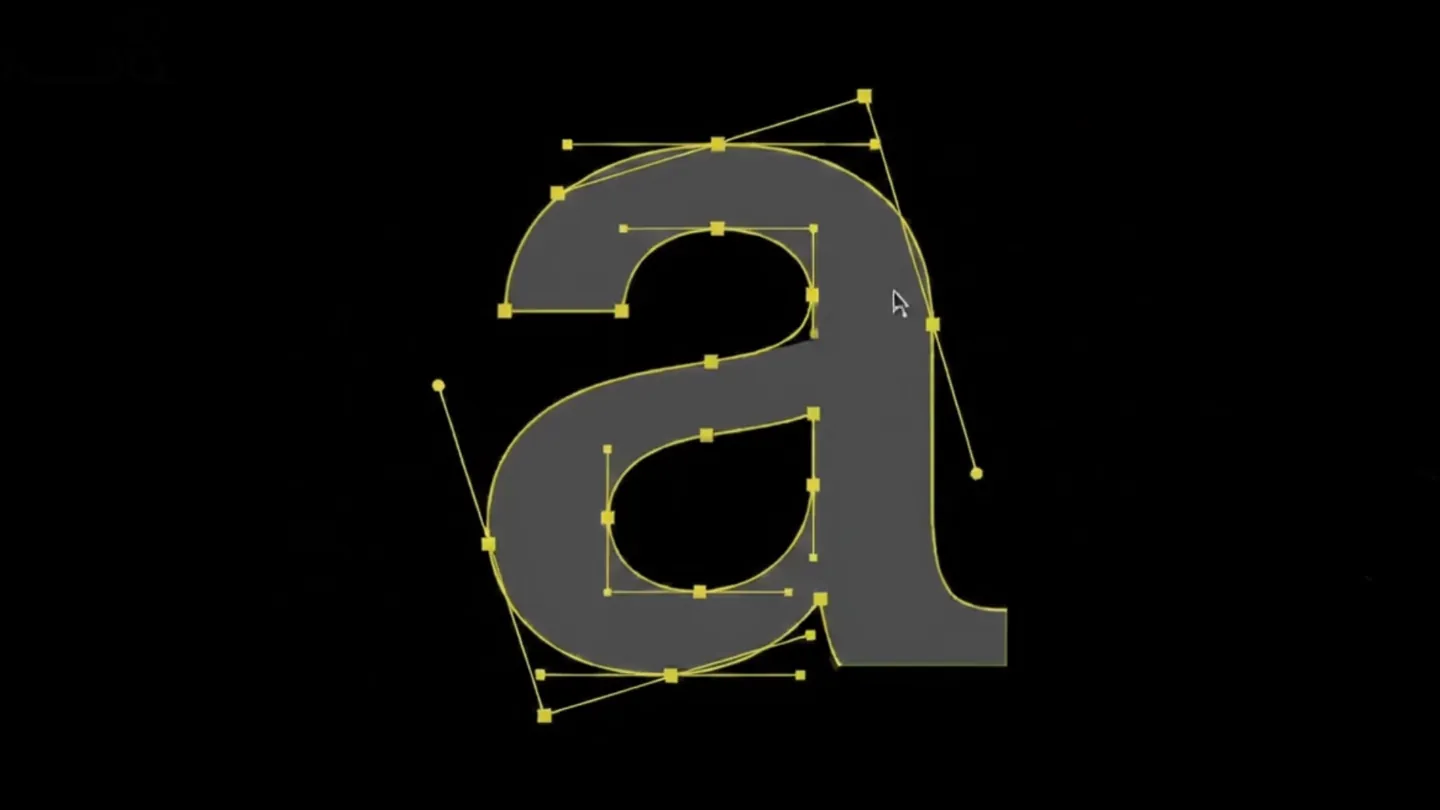
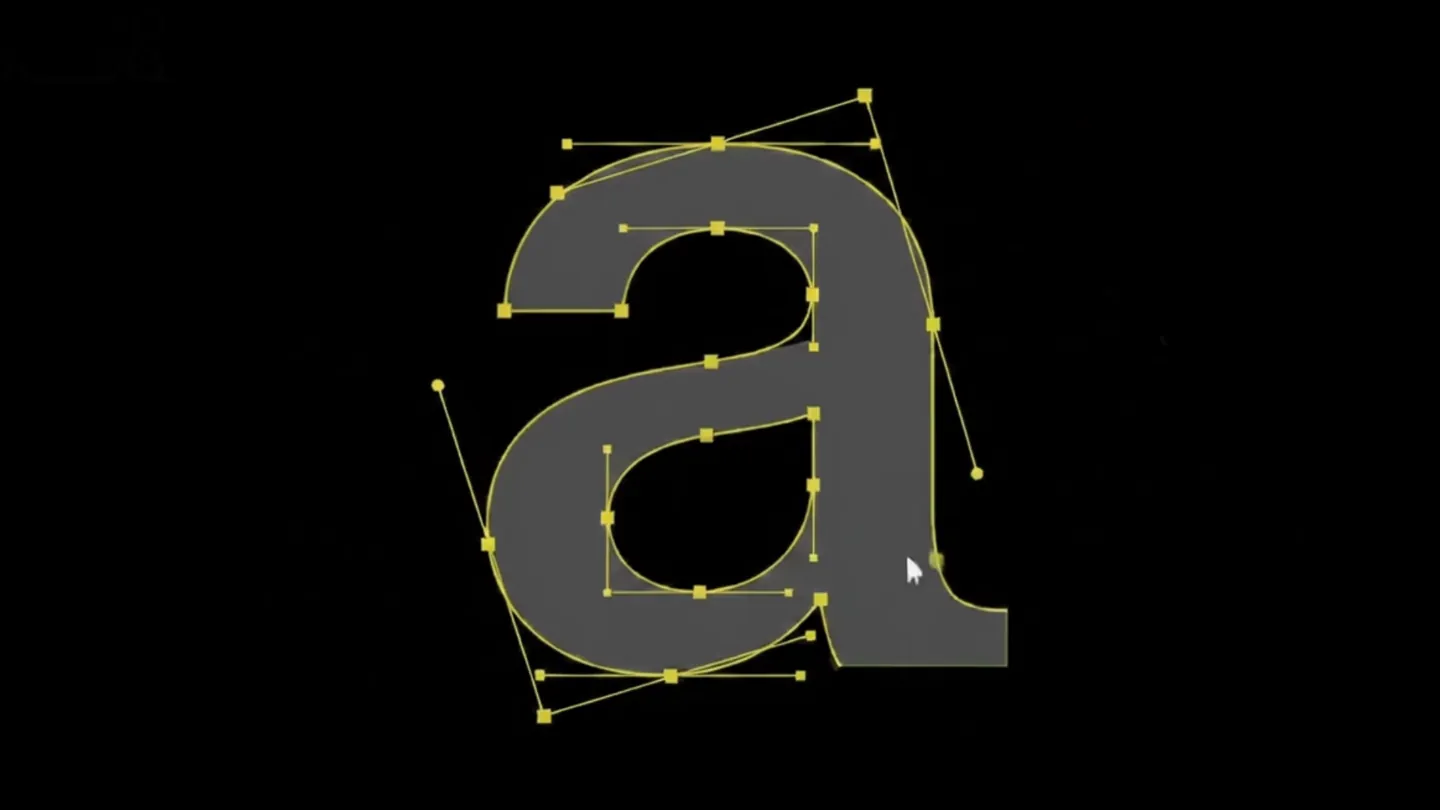
The Branddoq Builder works like a block editor: choose a module — color palette, typography showcase, image gallery, FAQ, accordion — and drag it to the desired position. What you see is what your team sees.
Draft and published version run separately: you work in peace while clients see the stable version. When you're done: one click.


AI features
that genuinely
save time.
From the first idea to a finished guide — Branddoq AI handles the heavy lifting. You focus on the brand, not the technology.
AI Guide Creation
Upload your existing CI documents — style guide, color tables, logo package. The AI analyzes everything and creates a complete guide draft with matching pages, modules, and content. In minutes, not weeks.
Branddoq AI · PDF, DOCX, ImagesAI Page Builder
Describe in one sentence what the page should show — e.g. "Typography rules with examples and type specimens". The AI selects the right modules, fills them with content, and builds the page. You fine-tune what stays.
Natural language inputCI AI Check
Upload any material — presentation, flyer, social post. The AI compliance checker reviews colors, fonts, imagery, and logo spacing against your own CI rules. Structured report, clear recommendations, no gut feeling.
Branddoq AI · Structured ReportFour real layouts checked against our demo brand — verdicts, findings and the limits, unedited.
Clients
see exactly
what you
approve.
The built-in role system puts you in control: admins manage everything, editors build and edit, viewers get clean read-only access.
